
This document is the user manual for the Lenovo LJ4000N laser printer, which provides instructions for using the printer and includes information on laser radiation and safety precautions.
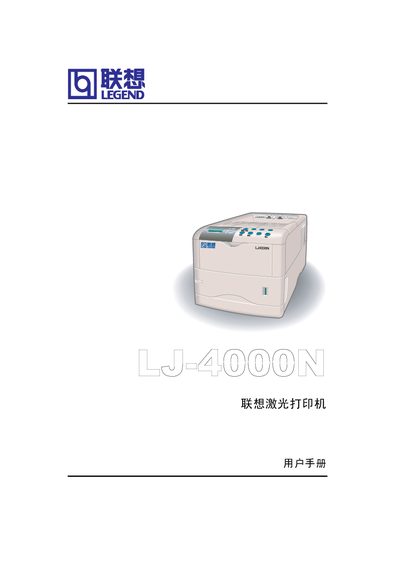
The Lenovo LJ4000N is a laser printer featuring long-life components, non-spherical toner, KIR image smoothing technology, and print speeds up to 18 pages per minute. It supports USB 1.1, parallel, and 10/100M network interfaces, with a standard 16 MB memory expandable to 144 MB. The printer handles paper sizes from A5 to A4/Letter in a 500-sheet universal tray and a 100-sheet multipurpose tray, and includes duplex printing capability with an optional unit.
The manual is organized into three main parts: installation steps (unpacking, placing, installing consumables, connecting cables, loading paper, powering on, test printing), printer driver installation (parallel, USB, network, duplex unit setup, Windows printing), and printer usage, maintenance, and troubleshooting (operation panel, paper handling, maintenance procedures, error resolution, and technical specifications). This manual is written in Chinese.
The printer measures 345 mm wide × 300 mm high × 390 mm deep (13-9/16 × 11-13/16 × 18-1/4 inches).