
Lenovo Laser Printer LJ2312P/2412P User Manual. This manual introduces the basic functions and usage methods of the printer, including the printer's placement, power supply, environment, paper specifications, indicator light meaning, control panel button operation, optional accessories and supplies, serial port connection, print server, memory expansion, toner cartridge replacement, drum cartridge replacement, printer cleaning, problem handling, and improving print quality.
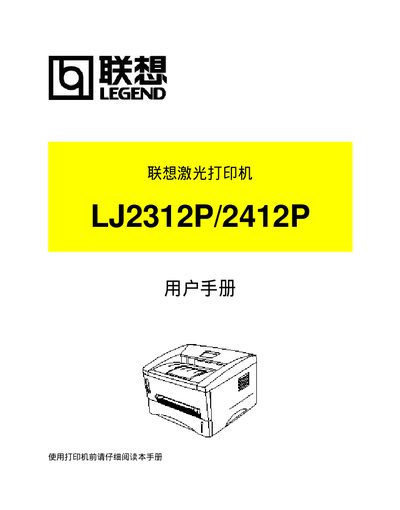
This manual provides step‑by‑step instructions for installing and configuring the HP LJ2312P/LJ2412P laser printers. It includes safety guidelines, hardware overview, driver installation for Windows, DOS, and Macintosh, and details on connecting via RS‑422A, RS‑232C, and USB interfaces.
Additional sections cover routine maintenance, consumable replacement (paper, toner, drum), alarm handling, and troubleshooting common error conditions. The document also lists optional accessories and provides reference tables for specifications. This manual is written in Chinese.
| Supported Interfaces | RS‑422A, RS‑232C, USB |
|---|
The printer supports RS‑422A, RS‑232C, and USB connections.