
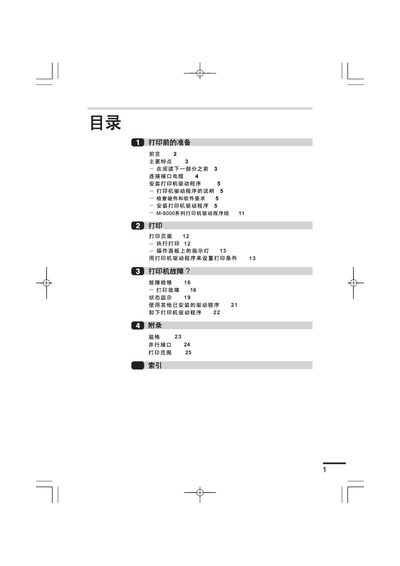
This manual provides preparation steps, hardware requirements, and driver installation procedures for the Lenovo M-9000 series laser printer. It covers connecting the parallel interface cable, configuring the printer driver on Windows 95/98/NT, and basic printing operations.
Additional sections include printer fault diagnosis, status monitoring, specifications, and a parallel interface reference. The guide is written in Chinese and includes detailed screenshots and step‑by‑step instructions.
| Printing speed | 15 pages per minute |
|---|---|
| First page print time | 9.6 seconds |
| CPU requirement | 486DX66MHz or higher |
| RAM requirement (Windows 95) | 8 MB (recommended 6 MB+) |
The driver supports Windows 95, Windows 98 and Windows NT 4.0.
Insert the driver CD, run SETUP from the CD-ROM, and follow the on‑screen prompts to install the driver and set the printer port.
A parallel interface cable is required to connect the printer to the computer.
The printer can print at a speed of 15 pages per minute.