
ASRock X79 Extreme4 motherboard adopts ATX specification, supports Intel Core i7-39xx and 38xx series processors, and supports four-channel DDR3 memory technology. It is equipped with four DDR3 DIMM slots and supports a maximum of 32GB of system capacity. In terms of expansion slots, the main board provides 3 PCI Express 3.0 x16 slots, supporting AMD 4-way CrossFireX TM, 3-way CrossFireX TM and CrossFireX TM technology.
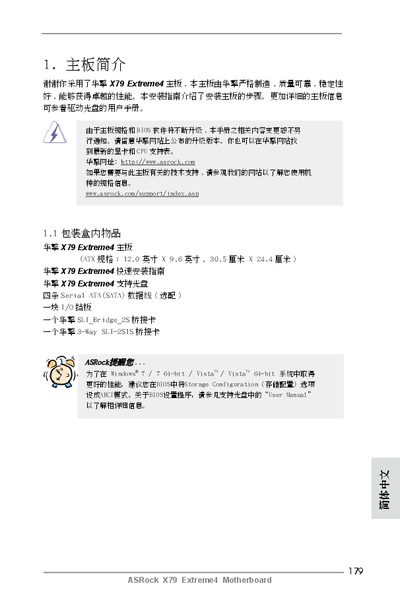
This guide covers everything needed to install and configure the ASRock X79 Extreme4 motherboard. It includes a list of items in the package, detailed board specifications, supported CPUs, memory configurations, expansion slots, audio, networking, and storage interfaces.
The document also explains BIOS features, utility software such as Instant Flash, XFast RAM, XFast LAN, and troubleshooting steps like clearing CMOS and updating the BIOS. Safety notices and regulatory information are provided at the end of the manual. This manual is written in Chinese.
| Form Factor | ATX 12.0" x 9.6" (30.5 cm x 24.4 cm) |
|---|---|
| PCI Express Slots | 3 × PCIe 3.0 x16 (x16/x8), 2 × PCIe 2.0 x1, 2 × PCI |
| LAN | Gigabit Ethernet (Broadcom BCM57781), Wake‑On‑LAN, Energy Efficient Ethernet, PXE |
| USB 3.0 Ports | 2 × ASMedia ASM1042 rear, 1 × ASM1042 front |
| SATA Ports | 5 × SATA3 6 Gb/s, 4 × SATA2 3 Gb/s |
Use the CLRCMOS jumper: short the pins for about 15 seconds, then power off and remove the jumper before powering on again.
The Instant Flash utility, a built‑in Flash ROM BIOS update program, can be run from DOS or Windows to flash a new BIOS image.
Yes, the Fast USB feature can improve USB transfer speeds, depending on the specific port and device.