
This document provides the user manual for the HTS6520 audio system, including product features and characteristics.
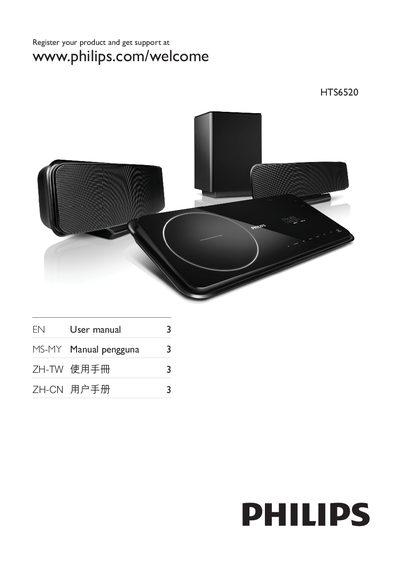
This manual begins with product registration instructions, directing users to register at www.philips.com/welcome for support. It outlines the system’s main features such as Philips EasyLink, HDMI CEC, USB audio playback, and iPod dock connectivity.
Further sections describe how to use the sound mode and subtitle functions, explain the Energy Star compliance, and provide safety and warranty information. The guide includes diagrams for connecting audio sources, configuring HDMI settings, and using the remote control.
Register your product at www.philips.com/welcome to receive support.
Connect the iPod to the iPod dock on the unit.
Use the Philips EasyLink feature via HDMI CEC to control compatible devices.
Press the SOUND MODE button on the remote to cycle through available sound modes.