
This user manual is a guide to the operation of the hard disk camera GZ-MG575AC, including safety precautions, operating methods and troubleshooting.
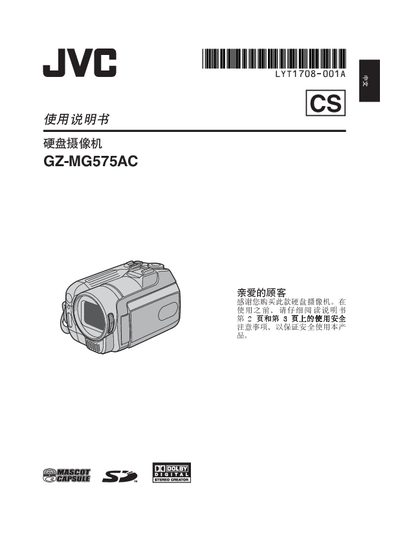
This manual begins with safety precautions, including warnings about fire, electric shock, and proper handling of the battery and power adapter. It also explains how to set up the camcorder, install the tripod, connect external cables, and configure language, date, and time settings.
The guide then covers all functional aspects such as battery charging, recording video and still images, using the LCD monitor, playback options, editing, printing, and file management. It finishes with troubleshooting tips, specifications, and contact information for JVC service centers. This manual is written in Chinese.
| Battery type | CR2025 |
|---|
No, the camcorder should not be used in the bathroom or any wet environment.
Use CR2025 batteries from Panasonic, Sanyo, Sony, or Wan Sheng.
Use the YTU94146A S‑Video cable to connect the camcorder to the TV.