
EW-V2800H/ EW-V3800H is an electronic dictionary produced by Casio. The dictionary includes COBUILD English Dictionary and supports Japanese-English and English-Japanese bidirectional translation.
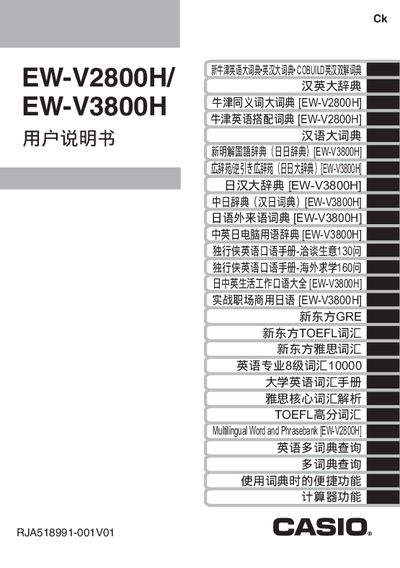
This manual covers everything needed to start using the Casio EW‑V2800H and EW‑V3800H electronic dictionaries, from checking the supplied accessories and installing the two AAA batteries to resetting the device and adjusting the backlight. Detailed instructions are given for connecting the dictionary to a PC with the required TextLoader software and USB cable.
The guide also explains basic operation such as turning the device on/off, navigating the dictionary, using the handwriting pen, and accessing the built‑in calculator. A full specifications section lists screen size, power consumption, battery life, dimensions, weight, storage capacity, and auto‑power‑off options. This manual is written in Chinese.
| Model | EW-V2800H/EW-V3800H |
|---|---|
| Screen | 480×320 full dot matrix LCD |
| Power consumption | 0.55 W |
| Weight | ≈285 g (including batteries) |
Press the backlight key to turn it on; pressing the same key again or holding any key for about 30 seconds will turn it off.