
This is a user manual that introduces the usage of Casio electronic dictionary EW-V2700L/EW-V3700L.
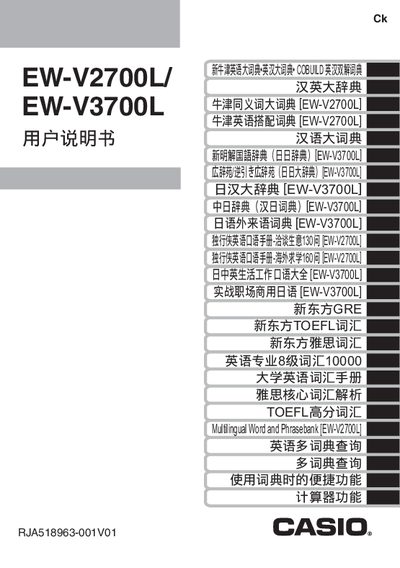
This manual provides step‑by‑step instructions for setting up the Casio EW‑V2700L and EW‑V3700L electronic dictionaries. It covers initial battery installation, basic operation, backlight control, and how to connect the device to a computer for data transfer.
Detailed sections describe input methods, dictionary lookup features, pronunciation playback, and power‑saving settings, along with safety warnings and warranty information. The specifications at the end give technical details such as screen resolution, power consumption, and dimensions. This manual is written in Chinese.
| Screen | 480×320 full dot matrix LCD |
|---|---|
| Power Consumption | 0.55 W |
| Weight | ≈250 g (including batteries) |