
This document describes the features and characteristics of the EV-SP2900 and EV-SP3900 electronic dictionaries, including their functions, accessories, and pre-use preparations.
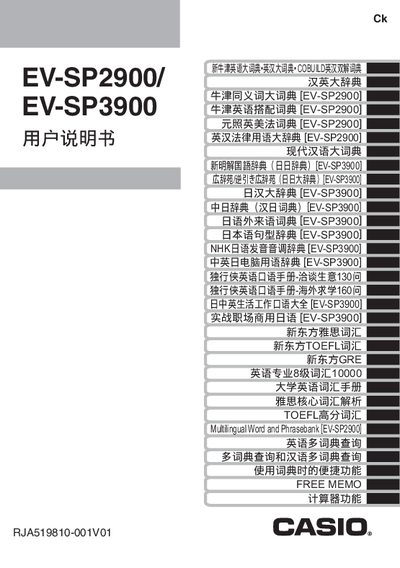
This manual covers the essential safety information, package contents, and pre‑use checks required before operating the EV‑SP2900/EV‑SP3900 electronic dictionaries. It explains how to install the AAA batteries, connect the USB interface, and use the reset button.
Further sections describe LCD panel contrast adjustment, the TextLoader software for loading text files, and system requirements for Windows operating systems. The guide also includes troubleshooting tips and cautions about incompatible accessories such as OXYRIDE batteries and microSD cards. This manual is written in Chinese.
| Battery type | AAA |
|---|---|
| Memory card support | microSD (SD Card Association) |
The device uses AAA batteries (2.7 V).
Press the reset button located on the back of the unit.
MicroSD cards are mentioned but are not compatible with the device and may reduce its lifespan.