
This is a user guide for the MSP430F6638 sample kit, published by Texas Instruments.
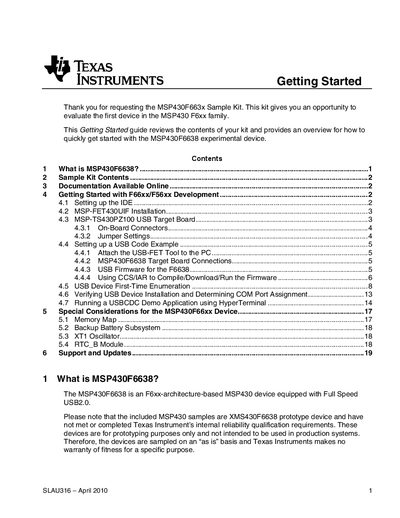
This Getting Started guide walks you through the contents of the MSP430F6638 Sample Kit, including the XMSP430F6638 prototype device, the MSP‑TS430PZ100USB target board with its 100‑pin socket and JTAG connector, and the required USB cable. It explains how to install the development tools (Code Composer Studio or IAR Workbench) and the MSP‑FET430UIF USB emulator, and provides detailed jumper settings for both USB‑powered and USB‑FET‑powered scenarios.
The document also covers first‑time USB device enumeration on Windows, driver installation using the provided INF file, and where to find additional resources such as the device datasheet, errata, and USB CDC API firmware. Support information and legal notices are included at the end.
| USB speed | Full Speed USB 2.0 |
|---|---|
| Target board socket | 100‑pin socket |
| JTAG connector | 14‑pin JTAG pin header |
| Backup battery subsystem | Included |
The MSP430F6638 is an F6xx‑architecture‑based MSP430 device equipped with Full Speed USB 2.0.
The drivers are installed with the IDE and are located in the folder C:\Program Files\Texas Instruments\MSP430_USB_DRIVERS_v3\USB.