
The DP-8016P is an A3 all-in-one printer and copier that can print 16 pages per minute. It has a built-in 10Base-T/100Base-TX Ethernet port, supports dual-sided printing, a mailbox function, and user authentication.
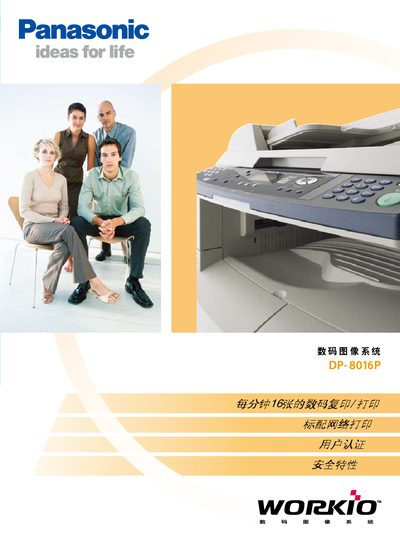
The DP-8016P is a multifunction laser printer and copier that supports A3 paper size, prints and copies at up to 16 pages per minute with 600 dpi resolution, and includes network (10Base‑T/100Base‑TX) and USB connectivity. It offers features such as poster mode, two‑sided copying, and a status‑monitoring software for toner and paper levels.
The manual covers device setup, operation steps, security functions like user authentication and secure email, technical specifications, and a list of optional accessories such as additional paper trays, hard‑disk drives, and automatic document feeders. This manual is written in Chinese.
| Copy Speed | 16 pages per minute |
|---|---|
| Paper Tray Capacity | 550 sheets standard + 50 sheets bypass |
| Maximum Paper Size | A3 |
| Power Consumption (Eco mode) | ≈19.5 W |
| Memory Capacity | 68 MB |
| Network Port | Ethernet 10Base‑T/100Base‑TX |
| Local Interface | USB |
The DP-8016P can handle paper up to A3 size.
It copies at a speed of 16 pages per minute.
It includes a built‑in Ethernet port supporting 10Base‑T/100Base‑TX.
The device includes status‑monitoring software that alerts when toner is low or the paper tray is empty.