
This document is a user manual for Admin Console 1.5, introducing the software's features, installation methods, configuration methods and usage methods.
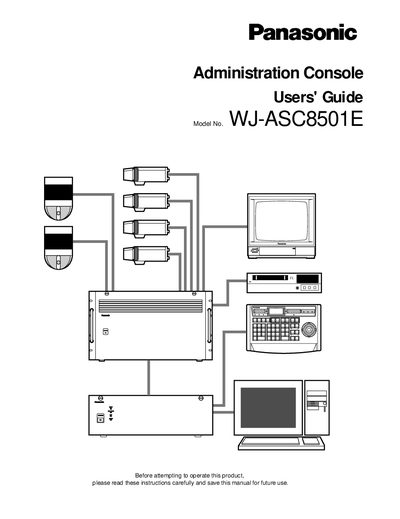
This guide explains how to install the Admin Console software, create and manage configuration databases, and operate the surveillance control system. It walks administrators through initial setup, hardware and operating‑system requirements, and step‑by‑step procedures for logging in, first‑time operation, and scheduled modes.
The manual also details user control features such as camera presets, tour and group sequences, emergency response configurations, and database management tasks like backup, restore, and archive. Additional sections cover system components, alarm inputs/outputs, and troubleshooting resources.
| Maximum supported cameras | 8,192 |
|---|---|
| Software version | 1.5 |
The Admin Console enables an administrator to closely control the operation of a Surveillance Control System.
The system can manage up to 8,192 cameras.