
The DP-8060/DP-8045/DP-8035 is a digital printing/copying device with a speed of up to 60/45/35 pages per minute. It comes with standard features such as network printing, network scanning, and internet fax. It has a user-friendly graphical interface and enhanced security performance. In addition, it offers efficient printing and copying functionality, powerful network scanning capabilities, and document processing software.
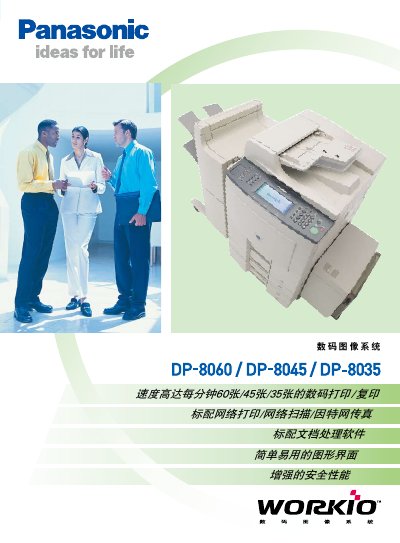
The Panasonic DP-8060/DP-8045/DP-8035 is a desktop digital copier offering high‑speed printing, copying, scanning and fax functions. It supports network printing, scanning to email or FTP, and includes security features such as user authentication and hard‑disk data deletion.
The device provides optional accessories like additional paper trays, binding units and hard‑disk drives, and is compatible with Windows, MacOS and various network protocols. Detailed technical specifications cover print speed, resolution, power consumption, dimensions and supported media types. This manual is written in Chinese.
| Print speed (DP-8060) | 60 pages per minute |
|---|---|
| Print speed (DP-8045) | 45 pages per minute |
| Print speed (DP-8035) | 35 pages per minute |
| Maximum paper capacity | up to 6,250 sheets with optional trays |
| Print resolution | 600 dpi × 600 dpi (PCL, PS, GDL) |
| Power consumption (max) | ≤ 1.45 kW |
The DP-8060 prints up to 60 pages per minute.
The automatic feeder holds 70 sheets of A4 paper (80 g/m²).
Scanning supports TCP/IP (SMTP, POP3, LDAP) and can send files as PDF or TIFF.