
This document is the user manual for the multi-function laser fax machine KX-FLM553CN, which includes preparation before use, safety precautions, etc.
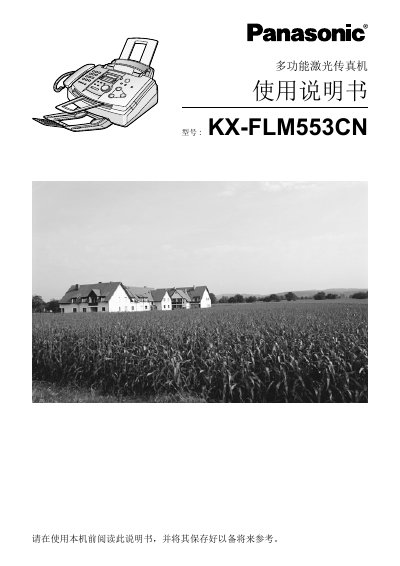
This manual begins with important safety instructions, covering fire, electric shock, and handling precautions to protect users and the device. It then details installation procedures, including power connection, telephone line setup, and cartridge installation.
Subsequent sections describe how to send and receive faxes, make copies, scan documents, and use advanced programming features. The final part lists technical specifications such as paper size, speed, power consumption, and laser characteristics, as well as troubleshooting tips and maintenance procedures. This manual is written in Chinese.
| Supported paper sizes | A4, Letter, Legal |
|---|---|
| Maximum paper capacity | 150 sheets (60‑75 g/m²) |
| Print speed | ≈ 10 ppm |
| Scan (transfer) time | ≈ 8 seconds per page |
| Sending power consumption | ≈ 28 W |
| Laser output power | Maximum 5 mW |
| Laser wavelength | 760 nm – 800 nm |
| Memory capacity | ≈ 150 pages |
It can hold up to 150 sheets of 60‑75 g/m² paper.
It requires AC 220‑240 V, 50/60 Hz mains power.
Remove the protective bag, peel off the seal on the cartridge, align the Panasonic logo upward, and insert the cartridge into the drum slot as shown.
Unplug the power cord before cleaning.