
This is the user manual of Philips 237E3Q SC monitor, which contains safety measures, sign instructions, product and packaging waste, setting display, image optimization, PowerSensor™, technical specifications, power management, related regulations, customer service and warranty, troubleshooting and FAQs.
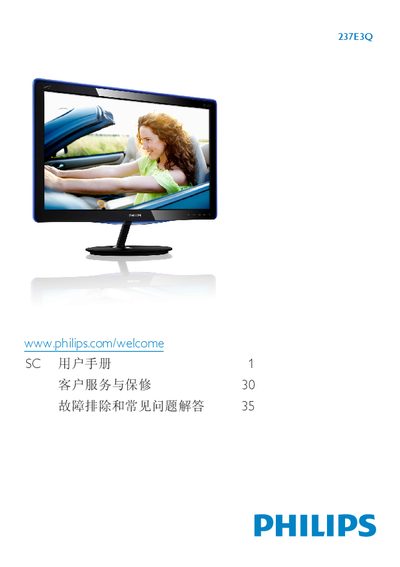
This manual explains how to safely install and operate the Philips 237E3Q LCD monitor. It covers unpacking, mounting the base arm, connecting power and video cables, and using the on‑screen display (OSD) to adjust picture settings, SmartImage Lite modes and PowerSensor features.
Additional sections describe environmental disposal, warranty conditions, technical specifications such as panel type, size, resolution and power consumption, as well as a comprehensive troubleshooting and FAQ chapter that helps resolve common issues like unsupported video modes or image retention. This manual is written in Chinese.
| Panel type | IPS |
|---|---|
| Screen size | 23" (58.42 cm) |
| Resolution | 1920 × 1080 @ 60 Hz |
| Brightness | 250 cd/m² |
| Contrast (typical) | 1000:1 |
| Response time (typical) | 14 ms |
| Typical power consumption (on) | 32.7 W |
| Input voltage | 100‑240 VAC, 50‑60 Hz |
| Weight (with base) | 3.46 kg |
Set the PC resolution to the monitor’s native 1920 × 1080 @ 60 Hz and ensure the refresh rate is 60 Hz, then reconnect the monitor.
The recommended refresh rate is 60 Hz; you may try up to 75 Hz to check for interference.
Use a clean, soft dry cloth; for deeper cleaning use isopropyl alcohol, avoiding solvents such as acetone or regular alcohol.
Press the OK button, select “Reset” in the OSD menu, and confirm to restore all settings to factory defaults.