
This document is the user manual for Philips monitors, providing important information on installation and operation of the monitor, as well as optimizing image quality and power management. It also covers customer service and warranty, as well as troubleshooting and frequently asked questions.
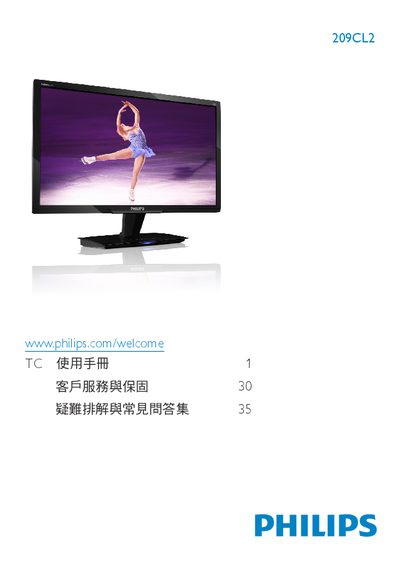
This manual begins with safety measures and warranty information, then details how to install the monitor, connect power and video cables, and position the unit safely. It also explains proper handling, cleaning, and environmental limits such as temperature and humidity.
The second part covers operation of the display, including SmartImage modes, OSD menu navigation, color temperature, brightness, contrast, gamma settings, and answers common questions about compatibility, plug‑and‑play support, and image retention issues. This manual is written in Chinese.
| Resolution | 1600 x 900 @60 Hz |
|---|---|
| Operating Temperature | 0‑40 °C (32‑95 °F) |
| Brightness Range | 0‑100 % |
| Gamma | 1.8 (18/10) |
| Color Temperature Settings | 5000 K, 6500 K, 7500 K, 8200 K, 9300 K, 11500 K |
Yes, all Philips monitors are fully compatible with standard PCs, Macs and workstations; a Mac may require an adapter.