
This is a user manual for HC-V500GK and HC-V500MGK HD camcorders. This manual mainly introduces product safety precautions, recording motion image recording formats, built-in memory use, and water vapor condensation.
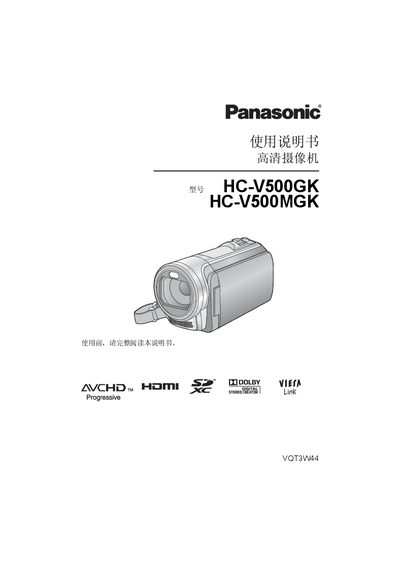
This manual provides comprehensive safety precautions, a list of accessories, and step‑by‑step preparation instructions for the Panasonic HC‑V500 series camcorders. It covers basic operation, advanced shooting modes, playback functions, and how to copy media to a PC or optical disc.
Detailed specifications are included, describing power requirements, video and audio formats, sensor and lens data, dimensions, weight, and environmental limits. The guide also explains battery handling, memory‑card compatibility, and connection options such as HDMI and AV‑MULTI cables. This manual is written in Chinese.
| Power supply (DC) | 5.0 V (adapter) / 3.6 V (battery) |
|---|---|
| Video recording format | AVCHD, iFrame (MPEG‑4 AVC MP4) |
| Maximum video resolution | 1080/50p, 1080/50i |
| Audio compression | Dolby Digital 2‑channel (AVCHD), AAC 2‑channel (iFrame/MP4) |
| Image sensor | 1/5.8" MOS, 1500 K effective pixels |
| Lens optical zoom | 38× optical zoom, F1.8‑F4.2, 2.35‑89.3 mm focal length |
| Optical image stabilization | Hybrid optical image stabilization with enhanced mode |
| LCD monitor | 7.6 cm (3.0”) diagonal, approx. 230 K dots |
| Weight (without battery) | ≈227 g |
| Dimensions | 52.5 mm W × 65 mm H × 119.5 mm D |
| Operating temperature | 0 °C to 40 °C |
The camcorder supports SD, SDHC, and SDXC cards; cards without the SDHC label under 4 GB or without the SDXC label under 48 GB are not compatible.
Do not remove the battery, disconnect the USB cable, or subject the camcorder to vibration or impact while the ACCESS indicator is on, as this may damage the built‑in memory.
The AVCHD 1080/50p mode can record at up to 28 Mbps (VBR).
Use the HDMI micro connector; the camcorder outputs HDMI 1080p/1080i/576p video signals.