
This document is the user manual for the high-definition camcorder models HC-X900GK, HC-X900MGK, HC-X800GK. The document includes information about product identification, safety precautions, battery usage, and recording formats for dynamic images.
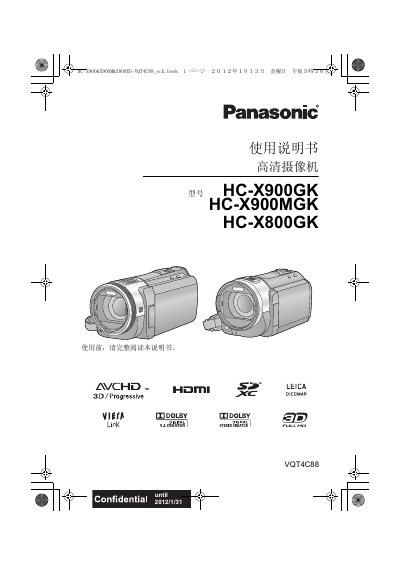
The guide covers safety precautions, battery handling, and the basic components of the HC‑X900, HC‑X900M and HC‑X800 camcorders. It explains how to install and remove the battery, connect power adapters, and prepare memory cards for recording.
Detailed sections describe recording formats (AVCHD, iFrame), zoom functions, 3D playback, HDMI and AV‑MULTI connections, as well as advanced shooting and playback features. The specification table lists electrical, optical and physical parameters of the devices. This manual is written in Japanese.
| Power supply (AC adapter) | DC 9.3 V |
|---|---|
| Power consumption (recording) | 8.9 W |
| Optical zoom | 12× optical zoom |
| Weight (without battery) | ≈425 g |
| Dimensions (W×H×D) | 67 mm × 72 mm × 150 mm |
| Lens aperture | F2.0 (f = 1.64 mm) |
| Battery type | CR2025 (button cell) |
| HDMI connector | Micro HDMI |
The camcorder can record in AVCHD (including 3D and Progressive modes) and iFrame (MPEG‑4 AVC) formats.
SD, SDHC and SDXC cards are supported; SDHC cards must have the SDHC logo and be 4 GB or larger, SDXC cards must have the SDXC logo and be 48 GB or larger.
Connect the camcorder to a TV that supports 3D via the micro‑HDMI connector and select the appropriate 3D mode on the TV.