
This document is a user manual for the high-definition camcorders HC-V700GK and HC-V700MGK. The document includes safety precautions, instructions for use, recording formats for dynamic images, and considerations for using the built-in memory.
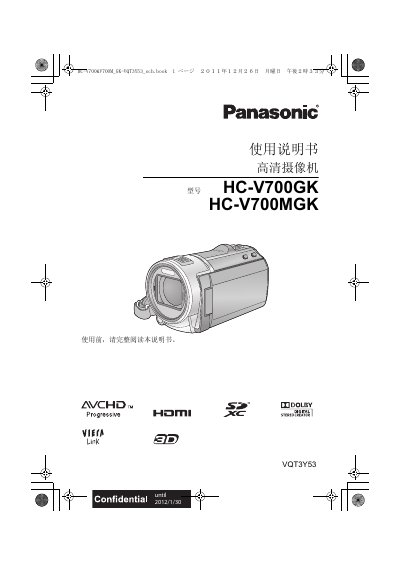
This manual provides safety warnings, a description of accessories, and detailed instructions for operating the Panasonic HC‑V700GK and HC‑V700MGK high‑definition camcorders. It covers battery handling, power connections, menu navigation, recording modes, playback functions, and data transfer to PCs.
The guide also lists compatible memory cards, explains the AVCHD and iFrame recording formats, and includes technical specifications such as power requirements, video/audio codecs, and storage capacities. This manual is written in Chinese.
| Power Supply (AC Adapter) | DC 5.0 V |
|---|---|
| Video Recording Format | AVCHD (1080/50p, 1080/50i) and iFrame (MP4) |
| Audio Compression | Dolby Digital 2‑channel (AVCHD) / AAC 2‑channel (iFrame/MP4) |
| Internal Memory | 16 GB |
| Supported Memory Cards | SD, SDHC, SDXC |
The camcorder supports SD, SDHC, and SDXC cards; cards without the SDHC or SDXC logo that exceed 4 GB or 48 GB respectively are not compatible.
The camcorder can record in AVCHD (1080/50p, 1080/50i) and iFrame (MP4) formats; AVCHD offers higher quality, while iFrame produces smaller files suitable for Mac editing.