
This document provides safety measures, maintenance, FAQs, troubleshooting, regulations and other related information for Philips 190EW8 model monitor
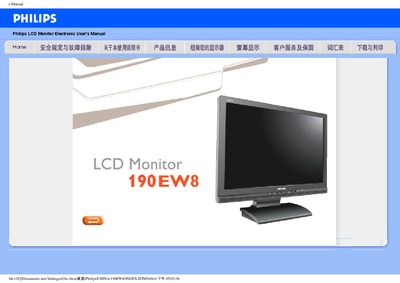
This manual provides safety guidelines and troubleshooting tips for the Philips 190EW8 LCD monitor. It includes instructions for proper installation, screen adjustment, and handling of the device to prevent damage. The guide also addresses common issues such as display resolution mismatches and cleaning procedures.
The manual covers technical aspects like LCD technology, refresh rates, and compatibility with Windows operating systems. It includes FAQs for resolving common problems, such as screen display errors or incorrect color settings, and explains how to use the On Screen Display (OSD) menu for adjustments. This manual is written in Chinese.
| Recommended Video Mode | 1440 x 900 @ 50Hz |
|---|---|
| Operating Temperature | 0-40°C (32-104°F) |
| Operating Humidity | 20-80% RH |
| Color Temperature Settings | 6500K, 9300K, Original, User Define, SRGB |
飞利浦19"显示器之建议视频模式为:1440 x 900@50赫兹。请在Windows控制面板中设置显示器为1440 x 900像素,并将刷新率调至60赫兹。
按AUTO调整键可恢复最佳屏幕位置、相位和同步脉冲设定,无需手动调整OSD菜单。
确认电源线已连接,并点击键盘或鼠标上的某个键以唤醒PC。
不能。使用隔行扫描信号会导致图片失真。