
CME-LW01 is used for communication interface between Modbus and LonTalk. The device needs to be configured via LonWorks network tool first, so that it can perform the function on LonWorks network. No need to set CME-LW01 address.
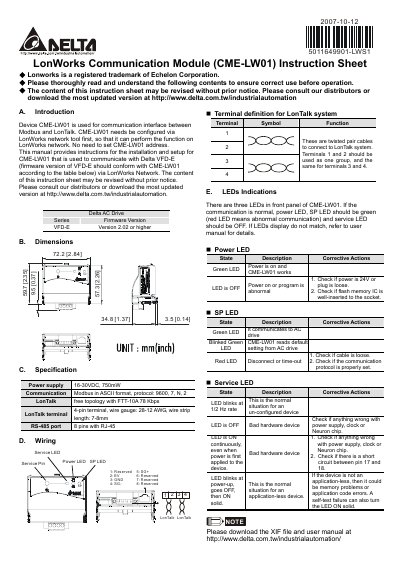
The CME‑LW01 module provides a communication interface between Modbus and LonTalk. After configuring the device with a LonWorks network tool, it can operate on a LonWorks network without needing a separate address setting. The manual explains installation steps, wiring details, and how to connect the module to Delta VFD‑E drives.
Physical dimensions are 57.3 mm × 72.2 mm × 59.7 mm. Power is supplied at 16‑30 VDC (750 mW). The front panel features three LEDs that indicate power status, communication status, and service condition. Updated files and the full user manual can be downloaded from Delta’s website.
| Power supply | 16‑30 VDC, 750 mW |
|---|---|
| Modbus communication | ASCII, 9600 bps, 7‑N‑2 |
| LonTalk speed | 78 kbps (FTT‑10A) |
| LonTalk connector | 4‑pin terminal, 28‑12 AWG, strip 7‑8 mm |
| RS‑485 port | 8‑pin RJ‑45 |
CME‑LW01 must be configured via a LonWorks network tool before it can operate; no separate address setting is required.
A green Power LED means normal power; a red Power LED indicates a power or program fault. A green SP LED shows normal communication, blinking means the device is reading default settings, and red indicates a communication error. The Service LED blinks when unconfigured, is off when configured, and stays solid on for hardware faults.