
This document is a user guide for the HG-M530 mobile phone, providing an overview of its main features and instructions for use.
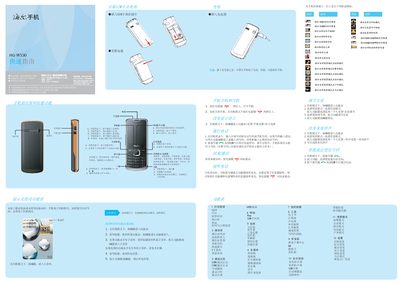
This guide explains how to power on the device, insert SIM and memory cards, charge the phone, and navigate the main menus using the navigation, OK, and function keys. It also covers basic phone functions such as making calls, sending messages, using the calendar, and accessing multimedia features.
Additional sections describe the built‑in input methods (Pinyin, stroke, English, numeric, and symbols), safety features like lock passwords and anti‑theft, battery charging guidelines, environmental warnings, SAR limits, and disposal instructions. This manual is written in Chinese.
| SAR (max) | 0.441 W/kg |
|---|---|
| Charging temperature range | -5°C to 55°C |
Press and hold the power key for more than one second to turn on the phone.
No, you must not remove the battery before unplugging the charger.
In the editing interface, press the # key to toggle the input method.