
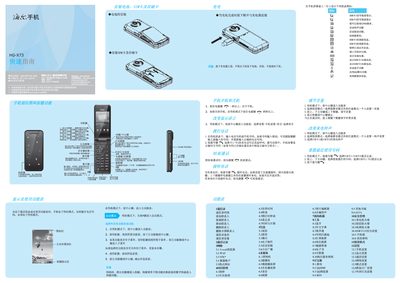
Haier HG-X73 Phone Quick Start Guide


Haier HG-X73 Phone Quick Start Guide - cover page
Brand
Haier
Category
Cell Phones
Document type
Quick Start Guide
Language
Chinese
Pages
2
File format
PDF
File size
12.5 MB
Published
28 February, 2012
Updated
06 March, 2012
MD5 checksum
058D290F3E54F879074EA81C5A3AAB75

About this manual

The guide explains basic phone functions such as powering on and off, entering standby mode, navigating menus, and making or ending calls. It also covers input methods, SIM card handling, and how to adjust volume and settings.

Additional sections describe battery installation and charging, safety precautions for handling the device, multimedia features like camera and music playback, and regulatory information such as the device's SAR value. This manual is written in Chinese.

What's inside

  • Power On/Off
  • Standby Mode
  • Making and Ending Calls
  • Menu Navigation
  • Input Methods
  • Battery Installation and Charging
  • Safety Precautions
  • SIM Card Functions
  • Multimedia Features
  • Regulatory Information

Specifications

Maximum SAR0.606 W/kg

Frequently asked questions

How do I turn on the phone?

Press and hold the power key for more than one second to turn on the phone.

How do I end a call?

Press the power key to end the call.

How can I delete all characters while typing?

Long‑press the delete key to clear the current input.

What is the device’s maximum SAR value?

The maximum SAR is 0.606 W/kg.

Download PDF (12.5 MB)

More Haier Manuals


View all Haier manuals →