
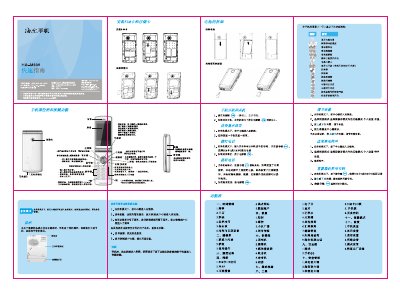
The guide explains how to install the SIM card, insert and remove the battery, connect the charger and earphones, and interpret the status icons on the screen. It also covers basic key functions such as power on/off, navigation, volume control, and media playback.
Additional sections describe the phone's menus for time management, network settings, camera operation, calculator, safety features, and how to perform a factory reset. Safety and environmental information, including battery handling and compliance notices, are also included. This manual is written in Chinese.
Insert the SIM card into the SIM slot as shown in the "安装SIM卡" section.
Press and hold the power key for more than one second to turn on; hold it for two seconds to turn off.
Use the side keys; pressing the up or down direction key increases or decreases the volume.
Go to Settings > Restore Factory Settings; the default password is 0000.