
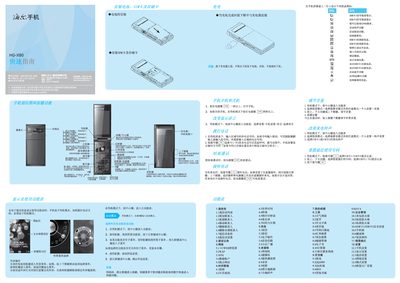
The guide introduces the basic functions of the HG‑X80 phone, including how to power on the device, navigate the external screen menu, install SIM and memory cards, and use core features such as calls, contacts, messaging, web browsing, and multimedia playback. It also describes the layout of icons, soft keys, and menu navigation for quick access to settings and applications.
Safety instructions cover proper battery handling, charging procedures, environmental precautions, and SAR compliance. Users are advised to keep the phone dry, avoid extreme temperatures, use only approved accessories, and follow the recommended charging practices to ensure safe operation and longevity of the device. This manual is written in Chinese.
Press and hold the power key for more than one second to turn the phone on.
Open the back cover and insert the SIM card and memory card into their respective slots as shown in the guide.
When charging is complete, the battery indicator will show full; then disconnect the charger from the power outlet before removing the charging plug from the phone.