
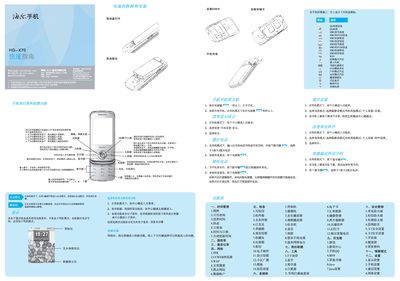
This guide covers the initial setup of the HG‑X70 phone, including SIM and memory card installation, power‑on procedures, navigation key functions, language selection, and basic operation of calls, messaging, and multimedia features. It also explains how to use the built‑in input methods, access the internet, and manage personal data such as contacts and calendar events.
Safety, battery handling, and regulatory information are provided, with instructions on proper charging, temperature limits, lock screen settings, and SAR compliance. The guide advises on proper storage, handling, and disposal of the device and its battery. This manual is written in Chinese.
| Maximum SAR value | 0.788 W/kg |
|---|
Press and hold the power key for more than one second while the phone is in standby mode.
Use the PUK code provided by the carrier to unlock the SIM card.