
This document is a Haier mobile phone user manual, which mainly introduces the functions of turning on, turning off, dialing, answering, adjusting the volume, changing the ringtone, re-dialing the last used number, etc.
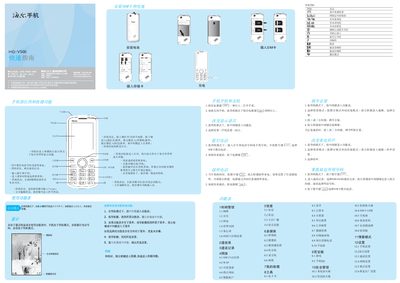
This guide provides step‑by‑step instructions for using the Haier HG‑V500 mobile phone. It covers powering the device on and off, changing the display language, making and answering calls, adjusting volume, and customizing ringtones.
Additional sections describe how to install the battery and SIM card, charge the phone, navigate the menu system, manage contacts, call records, network settings, messages, multimedia features, tools, and safety options such as call and SMS firewalls. This manual is written in Chinese.
Press and hold the power key for more than one second while the phone is in standby mode.
In standby mode, press and hold the power key for more than two seconds.
From standby, press the middle key to open the menu, then select Settings → Phone Settings → Language.
When the phone rings, press the dial key or the left soft key (or any key except the right soft key and power key if any‑key answer is enabled).