
This document is the user manual for a certain brand and model of mobile phone, which introduces the basic operating methods and functions of the mobile phone
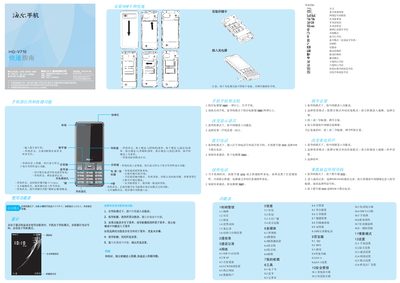
This guide provides step‑by‑step instructions for powering the phone on and off, making and answering calls, adjusting volume, changing the ringtone, and using the quick‑dial and standby functions. It also explains how to change the display language, manage contacts, call records, and network settings.
Additional sections cover multimedia features such as camera, video, music playback, and tools like calculator, e‑book reader, Bluetooth, and security options including phone lock, firewall, and SIM lock. Installation instructions for SIM card, battery, storage card, and charger are also included. This manual is written in Chinese.
Press and hold the power key for more than one second while the phone is in standby mode.
In standby mode, press the middle key to open the function menu, then go to Settings → Phone Settings → Language.
During a call, use the up or down navigation keys to increase or decrease the earpiece volume.