
Philips 9000 series Blu-ray Disc Player BDP9500, with Qdeo image processing and TI Burr-Brown DAC, provides clear and delicate pictures and rich and delicate sound reproduction.
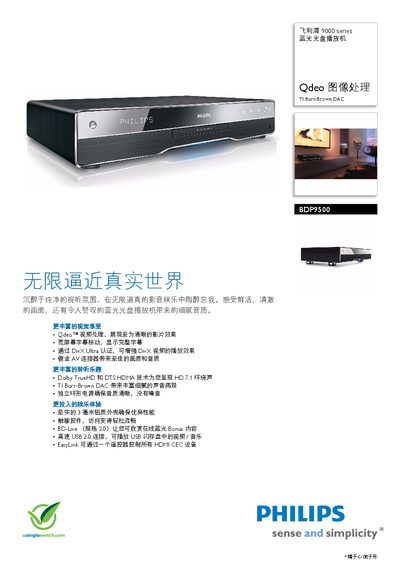
This manual explains how to install and use the Philips BDP9500 Blu‑ray Disc Player. It covers basic operation, menu navigation, subtitle handling, and the EasyLink feature that lets a single remote control all HDMI‑CEC compatible devices.
The document also lists the player’s technical specifications, including supported video resolutions (720p, 1080i, 1080p), audio formats (Dolby TrueHD, Dolby Digital Plus, DTS‑HD Master Audio), connection options (HDMI, AV, USB 2.0), and power consumption. Detailed information on the subtitle‑move function, BD‑Live content, and included accessories is provided. This manual is written in Chinese.
| Supported video resolutions | 720p, 1080i, 1080p |
|---|---|
| Aspect ratios | 21:9, 16:9, 3:2 |
| Audio formats | Dolby TrueHD, Dolby Digital Plus, DTS‑HD Master Audio, PCM |
| Digital‑to‑Analog Converter | TI Burr‑Brown 24‑bit 192 kHz |
| HDMI output | HDMI rear connector |
| Power consumption | 25 W (operating), <0.25 W standby |
| Weight | 4.2 kg |
It supports Dolby TrueHD, Dolby Digital Plus, DTS‑HD Master Audio, and PCM playback.
EasyLink lets a single remote control all HDMI‑CEC compatible devices, allowing simultaneous operation of playback, standby, and other functions.