
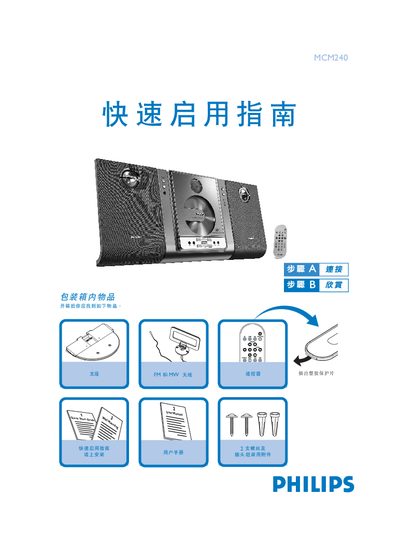
The guide lists the items included in the MCM240 package and provides step‑by‑step instructions for wall mounting, antenna attachment, and speaker wiring. It also explains how to connect the power cord and select the appropriate voltage.
After the hardware is installed, the guide shows how to insert a CD, select the source, and control playback, including how to use the remote or front‑panel buttons for play, stop, and preset selection. This manual is written in Chinese.
| Input Voltage | 110V‑127V / 220V‑240V |
|---|
Connect the right speaker to the "RIGHT" port and the left speaker to the "LEFT" port; the color‑marked wire goes to the "+" terminal and the black wire to the "–" terminal.