
This Quick Start Guide provides instructions on how to install, connect and charge your GoGear Opus audio video player, as well as how to transfer and enjoy music, videos and audiobooks.
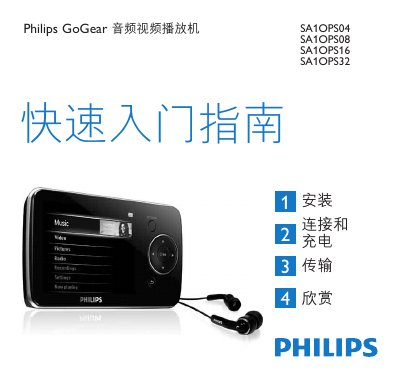
This quick start guide introduces the Philips GoGear audio video player models SA1OPS04, SA1OPS08, SA1OPS16 and SA1OPS32. It provides a brief overview of the package contents, controls, connections, and how to install the required software on a Windows PC.
The guide explains how to connect the player via the mini‑USB port, charge the built‑in battery, transfer music and video files using Windows Media Player 11, and enjoy playback, radio, and recording functions. It also includes troubleshooting steps, reset instructions, and information on proper disposal and recycling of the device and its battery. This manual is written in Chinese.
| Battery charge time (first use) | 5 hours minimum |
|---|---|
| Full charge time | 1.4 hours for 100% charge |
| 80% charge time | 2 hours |
| USB interface | mini USB port |
Charge the player for at least 5 hours before the first use.
Insert a small needle into the reset hole at the bottom of the player and hold it until the device turns off.
Connect the player to a PC with the USB cable, install Windows Media Player 11, and use it to sync or transfer files to the player.