
This manual introduces the basic use of the CAM110 camera, including product introduction, loading a Micro SD card, turning on, initial setup, recording, taking pictures, playing, video playback options, adjusting settings, etc.
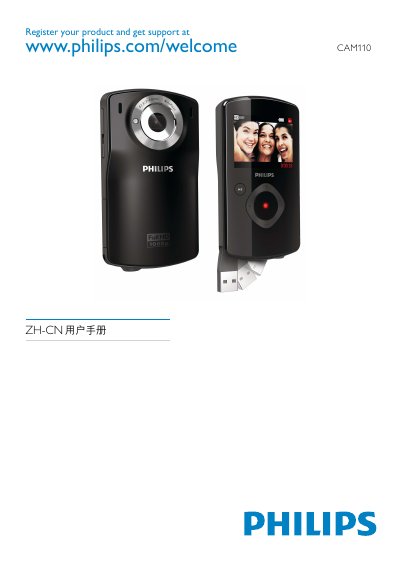
This manual introduces the Philips CAM110 portable camera, covering safety warnings, product overview, and the items included in the box. It guides users through inserting a Micro SD card, powering on the device, first‑time setup, and basic functions such as recording video, taking photos, and playback.
Further sections explain how to adjust settings, connect the camera to a TV or computer via HDMI or USB, and provide detailed technical specifications. A FAQ at the end addresses common issues like fast‑forwarding video, resetting a non‑responsive camera, and charging the built‑in battery. This manual is written in Chinese.
| Battery capacity | 1100 mAh |
|---|---|
| Image sensor | 1/3.2 inch 8MP CMOS |
| Video resolution | 1080p 30 (1920×1080) |
| Weight | 0.06 kg |
| Dimensions | 55.5 × 99.5 × 19 mm |
| Power rating | 5 V DC, 500 mA |
| Memory | 64 MB DDR2 + 128 MB SLC (plus Micro‑SD slot) |
During video playback, hold the right button for about 2 seconds to fast‑forward, or hold the left button for about 2 seconds to rewind.
Press the reset button located under the HDMI cover using a small pointed object; then power the camera back on.