
VOIP080 phone user manual, introduce the connection, installation, call, configuration, troubleshooting and other contents of the phone
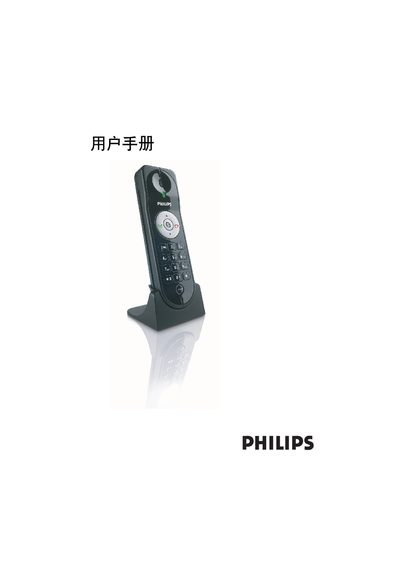
This user manual covers the Philips VOIP080, a USB telephone for Skype. It describes what is in the box, the phone layout, and how to connect and install the device using the supplied installation CD.
It also explains making and answering calls, call features, voicemail, configuration, default settings, and troubleshooting. The phone is powered by the computer through USB and requires no battery. This manual is written in Chinese.
| Operating system | Microsoft Windows 2000 or XP |
|---|---|
| Processor | 400 MHz |
| Memory | 128 MB |
| Interface | USB |
| Power supply | Powered by computer via USB |
It is powered by the computer through the USB cable, and no battery is required.
It requires Microsoft Windows 2000 or XP.
No, Skype does not support emergency calls; use another phone for emergencies.
The box contains the VOIP080 phone, installation CD, quick installation guide, bracket, and carrying case.