
Philips HTS8140 / HTS8150 DVD Home Theater Quick Start Guide

This is a user manual for a Philips DVD home theater system, which introduces how to connect, set up and use the system.
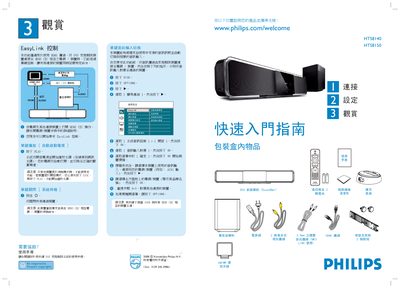

Philips HTS8140 / HTS8150 DVD Home Theater Quick Start Guide - cover page
Brand
Philips
Category
Audio-Video Decoder
Document type
Quick Start Guide
Language
Chinese
Pages
2
File format
PDF
File size
1.5 MB
Published
28 February, 2012
Updated
30 September, 2023
MD5 checksum
253F9AC53D2DDA25AA1468861DE864EA

About this manual

The guide explains how to enable EasyLink control by connecting the DVD Home Theater to HDMI‑CEC compatible devices and using the on‑screen commands. It also covers the initial power‑on sequence, disc insertion, and automatic source detection.

Detailed instructions are provided for wiring the system: connect HDMI IN/OUT, AUX1, iPod Dock, and the dedicated sub‑woofer cable. Placement recommendations, room‑acoustic presets, and language selection steps help optimise sound performance. This manual is written in Chinese.

What's inside

  • EasyLink Control
  • HDMI CEC Setup
  • Connecting Devices
  • Audio Input Selection
  • Subwoofer Connection
  • Placement Recommendations
  • Language Selection
  • Room Acoustic Settings

Specifications

Power supplyAC
Download PDF (1.5 MB)

More Philips Manuals


View all Philips manuals →