
Philips SPZ2500 network camera user manual, introduces the network camera's functions and features, including installation, use, taking pictures, recording, video chat and so on.
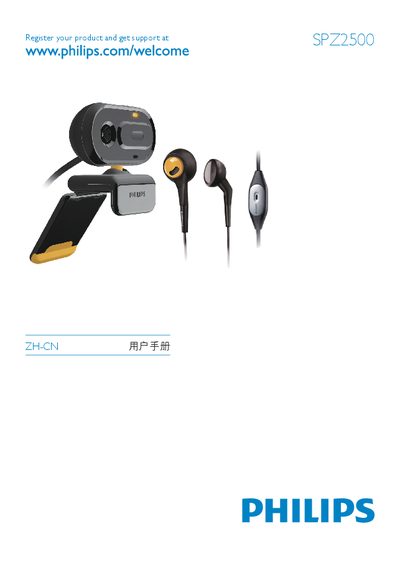
This manual introduces the Philips SPZ2500 network camera, lists the items included in the package, and provides a functional overview of the device. It guides users through initial setup, optional software and driver installation, and how to connect the camera to a PC or laptop via USB.
The guide details using the Philips CamSuite application for video chat, photo capture, video recording, and media library management. It also covers screen modes, image resolution options, FAQ troubleshooting, safety precautions, FCC compliance, and recycling information. This manual is written in Chinese.
| Maximum video recording resolution | 640 x 480 (VGA) |
|---|---|
| Operating temperature range | 0 °C – 40 °C |
| Relative humidity range | 45 % – 85 % |
Close unnecessary software applications to free system resources.