
The document introduces the accessories and features of a DVD home theater system, including a remote control, batteries, cleaning cloth, speakers, video and audio cables, etc. It also introduces the EasyLink control function and user manual of the device.
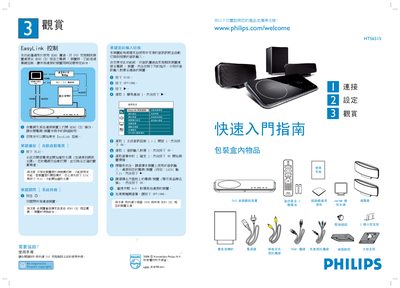
This quick start guide covers the Philips HTS6515 DVD home theater system. It lists the items included in the box and explains how to connect the system to a television, speakers, subwoofer, and power.
It also describes initial setup, including Ambisound audio settings, and EasyLink control using HDMI CEC for one-touch operation with compatible devices. This manual is written in Chinese.
Press PLAY to power on the system and start disc playback while the TV switches channels.
The default value is set between 2 and 3 meters.