
Quick start guide, this guide contains instructions on how to use DC910, including connecting the AC power adapter, setting the clock, playing USB storage devices/memory cards (SD/MMC), and using DC910 to play iPod.
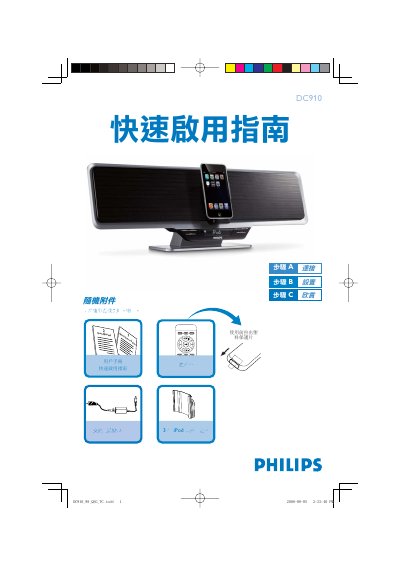
The guide begins with a list of items included in the box and explains how to connect the AC power adapter. It then details the steps to set the clock, switch between 12‑hour and 24‑hour display, and adjust hours and minutes using the remote control or the unit's buttons.
Subsequent sections cover programming FM stations, playing audio from USB drives or SD/MMC cards, and using the optional iPod docking station. Each function is described with the required button presses and safety notes such as using only the supplied power adapter. This manual is written in Chinese.
Press and hold the PROG/SET TIME key on the remote, then use the VOLUME +/- keys to adjust hours and minutes, confirming each step with the PROG/SET TIME key.
Hold the PROG key on the remote for more than 2 seconds, then use the PRESET +/- keys to select and store each FM station.
Insert the USB plug into the top socket or insert the SD/MMC card into the top slot, then press SOURCE (or USB/CARD on the remote) to select the source and use the playback keys.
Choose the correct iPod holder, place it in the iPod dock, insert the iPod, then select the iPod source with the SOURCE or iPod key and play the desired files.