
This portable camera allows you to shoot Full HD (1080P) or VGA videos, take pictures, and play back recorded videos or photos directly or on a connected TV's big screen. You can also upload recorded videos or photos directly to the internet via your PC/Mac.
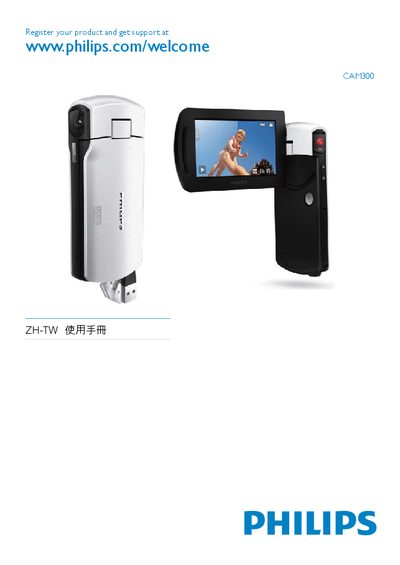
This user manual covers the Philips CAM300 portable digital camera, including safety information, product overview, and initial setup steps such as inserting the Micro SD card and charging the battery. It details how to operate the camera for recording Full HD or VGA video and taking photos, as well as how to play back media on the device or via a TV connection. This manual is written in Chinese.
| Image Sensor | 1/3.2 inch 8MP CMOS |
|---|---|
| Video Resolution | Full HD (1080p 30) |
| Battery Capacity | 1100mAh |
| Battery Life | 120 minutes |
| Memory | 64MB + Micro SD card slot |
| Weight | 0.06 kg |
It takes approximately 3.5 hours to charge via PC, or about 2 hours via a USB adapter connected to a main power source.
The camera records video in *.MP4 format using H.264 compression.
The camera automatically turns off after 3 minutes of inactivity to save power.