
This is the user manual of Philips air purifier AC4025, which introduces the features and characteristics of the product, usage methods, cleaning and maintenance methods, etc.
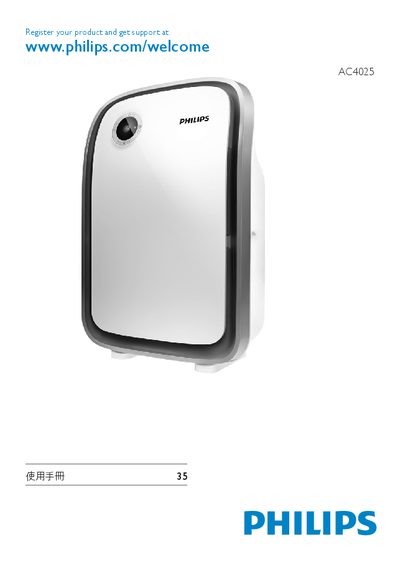
This Philips AC4025 air purifier user manual explains how to install and use the air purifier, including filter installation, turning the unit on and off, changing fan speed, sleep mode, and timer settings.
It also covers cleaning the air purifier and activated carbon filter, replacing the activated carbon and HEPA filters, resetting the filter life counter, troubleshooting common problems, and warranty and service information. This manual is written in Chinese.
Remove all filters and packaging, place the filters back with the label side facing you and at the bottom, then reattach the front panel by inserting the bottom hooks and pushing the panel into the purifier body.
Unplug the purifier, wipe dust from the body with a soft dry cloth, and clean the air inlet and outlet with a soft dry cloth. Do not wash the filters.
The light flashes for about two weeks to indicate that the activated carbon filter and HEPA filter need to be replaced.
Plug in the purifier, press the power button, then press and hold the reset button for 2 seconds.