
This is a quick start guide for Philips 8300 LED backlit television series, which includes the contents of the product package, battery installation method, television installation method, video/coaxial distribution line, connection method of audio and video terminals, connection of power supply and television signal, connection of network signal, cable management, turning on the television, selecting language, and free update of the latest version of network television software.
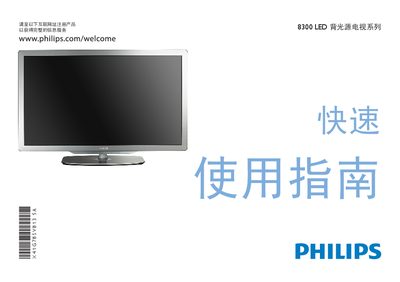
This guide helps you set up your Philips 8300 LED TV by unpacking components, connecting cables, and installing batteries. It also explains how to update the TV’s software via USB for the latest features and fixes.
Connect your TV using HDMI for best picture quality, or AV for basic use. Update software using a USB flash drive with 256MB space, following step-by-step instructions to ensure a successful update. This manual is written in Chinese.
Open the battery cover on the back of the remote and insert two AAA batteries as shown in the diagram.
HDMI provides the best picture quality, followed by component, then AV.