
This document provides instructions for using Philips telephone, including features of the answering machine, using the phonebook, making and receiving calls, etc.
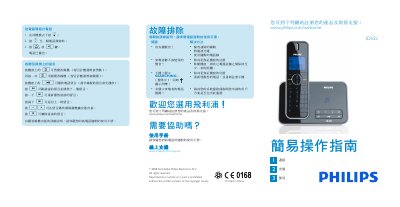
This guide explains how to use the Philips ID555 telephone answering machine. It covers listening to and managing voice messages, making and receiving calls, adjusting volume, and configuring the phonebook and ringtones.
The manual also includes installation steps, required accessories, safety warnings, and troubleshooting tips such as checking connections, charging the battery, and ensuring proper placement of the handset. This manual is written in Chinese.
| Battery type | Lithium rechargeable battery |
|---|---|
| Maximum phone number length | 24 digits |
| Maximum contact name length | 14 characters |
Press the “o” button on the handset to start playback; press it again to stop.
Press the “x” button while a message is playing to delete the current message.
During message playback, press the “-+” keys to increase or decrease the speaker volume.
Enter the phone number (up to 24 digits) and then press the “r” or “v” key to dial.