
The Philips GoGear SA2615 Flash MP3 player features a stylish interchangeable faceplate that lets you express your personality. With direct USB, you can easily take your favorite songs with you, and with just one AAA battery, you can enjoy up to 20 hours of playback.
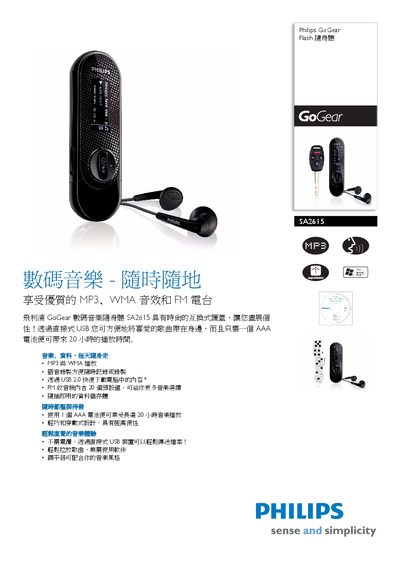
This manual explains how to use the Philips SA2615 Flash Walkman, including basic operation, USB file transfer, and battery replacement. It highlights the device’s lightweight design, 20‑hour playback on a single AAA battery, and optional external battery for up to 30 hours of use.
Technical details such as display type, supported audio formats, internal memory, and dimensions are listed in the specifications section. The guide also covers USB connectivity, packaging information, and regulatory notes. This manual is written in Chinese.
| Display resolution | 128 x 48 |
|---|---|
| Battery type | AAA alkaline |
| Playback time (external battery) | up to 30 hours |
| Supported audio formats | MP3, WVAV, WWMA, WAV |
| USB version | USB 2.0 |
| Dimensions (mm) | 91.6 × 29 × 20.3 |
It can play for up to 20 hours on one AAA battery.
Connect the device to a computer via the built‑in USB port and copy files directly.
It supports MP3, WVAV, WWMA, and WAV audio files.