
The APC Back-UPS Office 280 User Manual provides installation, operation, battery replacement, mounting, and troubleshooting instructions for the UPS.
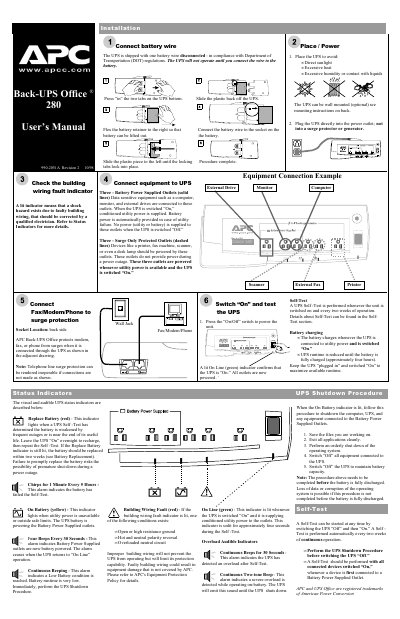
This manual explains how to install and use the APC Back‑UPS Office 280. It covers placement, connection to power, proper use of battery‑powered and surge‑protected outlets, and the self‑test routine that runs automatically every two weeks.
Additional sections describe wall‑mounting options, battery replacement procedures, safety warnings, specifications, and troubleshooting steps for common problems such as overloads, battery failures, and wiring faults.
| Maximum Load – Battery Power Supplied Outlets | 280 VA, 170 W |
|---|---|
| Maximum Load – Surge Protected Only Outlets | 10 A |
| Acceptable Input Voltage | 0 – 150 Vac, Single Phase |
| Operating Temperature | 32 to 95 °F (0 to 35 °C) |
| UPS Size (H × W × D) | 2.7 × 17.0 × 7.0 in (6.9 × 43.2 × 17.8 cm) |
| UPS Weight (shipping) | 8.5 lb (3.9 kg) |