
This document is a user guide for the EZ320 printer, providing information on how to use the printer, perform maintenance, and troubleshoot issues.
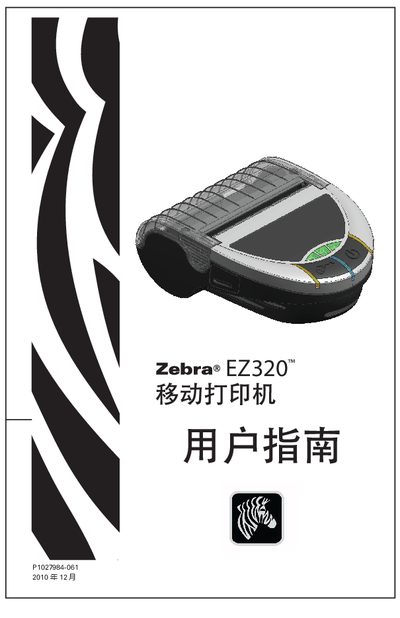
The EZ320 is a rugged, portable barcode printer designed for on‑the‑go use in a variety of work environments. This guide covers everything needed to get the printer up and running, from unpacking and battery installation to loading paper and configuring wireless connections.
Key sections include battery handling, charging, paper loading, Bluetooth and USB communication, printing specifications, and a detailed troubleshooting chapter. Technical specifications and accessory information are provided in the later pages of the manual.
| Print width | 74.0 mm (2.91 in.) |
|---|---|
| Print speed (typical) | 50.8 mm/s (2 in/s) |
| Print density | 8 dots/mm (203 dots/in) |
| Memory | 8 MB Flash, 16 MB SRAM |
| USB interface | USB 2.0 Full‑speed (12 Mbps) |
| Bluetooth version | Bluetooth 2.0 |
| Paper width | 80.0 mm ±1 mm (3.15 in. ±0.03 in.) |
| Maximum paper roll diameter | 42.0 mm (1.65 in.) |
Insert the battery into the printer so that its shape matches the battery compartment, then rotate it until it clicks into place.
Use the Bluetooth™ wireless communication feature to pair the printer with a compatible device as described in the Bluetooth section.
Open the paper roll cover and insert an 80 mm wide paper roll, then close the cover and ensure the paper feed sensor detects the media.