
This document introduces the usage and precautions of CASIO watches, including battery charging, power saving function, time calibration signal, etc. The watch adopts solar power and has the function of automatic time calibration.
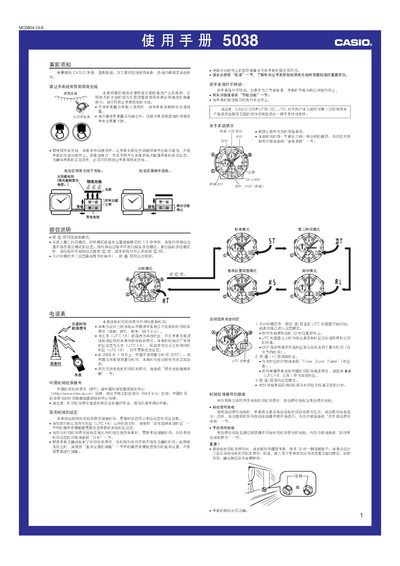
This manual provides step‑by‑step instructions for using the Casio 5038 1MO0804‑CkA solar‑powered watch. It covers pre‑use notices, battery charging, time‑calibration signal reception, and detailed operation of each mode (time, alarm, stopwatch, second‑time, lighting, etc.).
Safety warnings, power‑saving features, and troubleshooting tips are also included, helping users maintain accurate timekeeping and optimal battery life. This manual is written in Chinese.
| Battery type | Solar cell with rechargeable secondary battery |
|---|---|
| LED illumination | Built‑in LED for manual and automatic lighting |
| Automatic illumination activation | Activates when watch is tilted >15° and ambient light is low |
| Battery‑level indicator | Second‑hand jumps + "LO" display for low battery |
Place the watch with the 12‑o’clock side facing a window, then in timing mode press and hold the A button about two seconds until the watch beeps; the watch will be ready to receive the signal.
In timing mode (outside of setting screens), press and hold the B button for about three seconds; an ON or OFF indicator appears and the illumination toggles.
When the second hand jumps every two seconds and the display shows "LO", the battery is at a low level and should be exposed to bright light for charging.