
This document is a user guide for the PL80X multimedia projector, which describes the features and characteristics of the product, including high brightness, noise reduction function, user storage function, zoom function, keystone correction, etc.
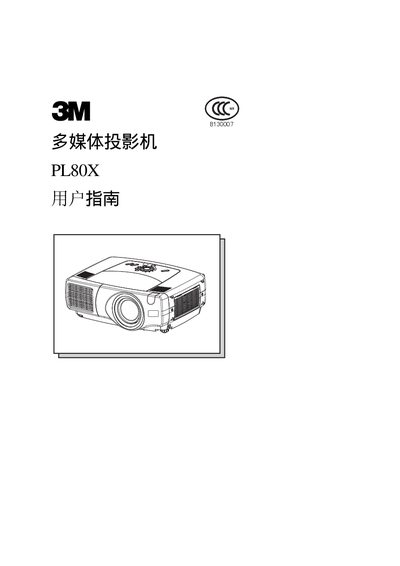
This manual covers safety guidelines, key features, and proper handling of the 3M PL80X multimedia projector. It explains the use of a UHE lamp, high‑brightness optics, and built‑in functions such as lens shift and zoom.
Installation steps, connection options, lamp replacement, filter cleaning, and troubleshooting procedures are detailed in separate sections. Technical specifications and environmental compliance information are also included. This manual is written in Chinese.
| Audio In 1 | Present |
|---|---|
| Audio In 2 | Present |
| Control port | Present |
| Network port | Present |
| Audio In RL | Present |
| Video In | Present |
| S‑Video In | Present |
| Component port | Present |
| RGB Out | Present |
| Audio Out | Present |
| Remote control port | Present |
| DC Out | Present |
| AC Power Input | Present |
The PL80X provides M1‑D, BNC, two audio‑in ports, a control port, network port, audio‑in RL, video‑in, S‑video‑in, component, RGB out, audio out, remote‑control, DC out, and AC power input.
Refer to the lamp replacement section (page 38) which shows the steps to remove the old UHE lamp and install a new one.
The air filter cleaning procedure is described on page 39; remove the filter, clean it, and reinstall it before use.