
This user guide introduces the features and characteristics of PL75X projector, including preparation, component names, installation, remote control, power on/off, operation, etc.
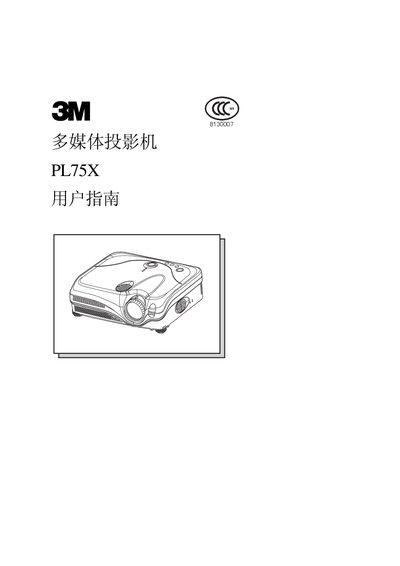
This manual covers everything you need to know to install and use the 3M PL75X projector safely and effectively. It includes safety warnings, unpacking details, component identification, and connection instructions.
The guide also explains how to adjust image settings, use the one‑touch menu, perform lens and filter maintenance, and troubleshoot common issues. Follow the step‑by‑step procedures to achieve optimal image quality and reliable operation. This manual is written in Chinese.
| Lamp power | 230W |
|---|---|
| Supported video signals | NTSC, PAL, SECAM |
| Environmental protection period | 10 years |
Press the restart switch with a toothpick or similar tool, then wait at least 10 minutes before turning the power on again.
Thread the supplied strap through the lens‑cover loop and secure it as shown in the manual.
The projector is rated for a 10‑year environmental protection period, as indicated on the product.
Place the projector on a stable, level surface, keep it away from moisture, heat sources, and ensure at least 30 cm clearance from walls.