
This is the user manual for 3M™ Multimedia Projector MP8745, introduces the features and usage of the product.
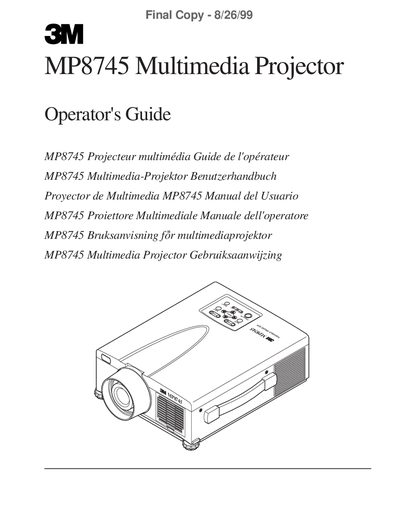
This manual covers everything needed to install, operate and maintain the 3M MP8745 Multimedia Projector. It begins with safety safeguards, warranty information and unpacking instructions, then describes the projector’s features, connections and remote control.
Later sections detail basic operation, adjustments, lamp replacement, troubleshooting, accessories and technical specifications, including serial command codes for advanced control.
| Projection Lamp | UHB (ultra‑high bright) lamp |
|---|---|
| Resolution | XGA 1024 × 768 (three LCD panels) |
| Digital Magnification | 4× |
| Speakers | Two built‑in stereo speakers (1 W each) |
| Power Supply | Universal |
| Mouse Emulation | USB, Serial, PS/2 and ADB |
| Zoom/Focus | Power zoom and power focus functions |
| Picture‑in‑Picture | Supported (PinP) |
| Freeze Function | Available |
| Security Slot | Kensington™ Slot K |
Refer to Section 6.4 “Replacing the Lamp” for the step‑by‑step lamp replacement procedure.
Read and understand all instructions, keep the projector on a flat surface, avoid looking into the lamp, and follow all listed safeguards.
Yes, the manual provides a full list of serial command codes for functions such as power, zoom, focus and mute.