
This document provides an operator's guide for the S50C/X50C multimedia projector, including instructions on setting up, connecting devices, using the remote control, adjusting volume, adjusting position, using the automatic adjustment feature, correcting keystone distortions, and more.
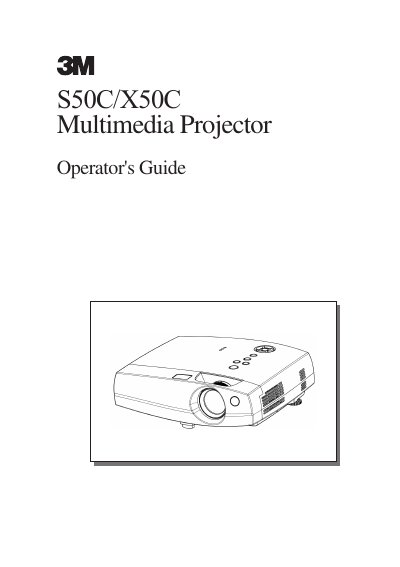
This operator's guide covers everything needed to install and use the 3M S50C/X50C Multimedia Projector. It includes preparation steps, part identification, power connection, and detailed instructions for connecting computers, VCRs, DVD players, and other devices.
The manual also explains how to operate the remote control, adjust volume, use the magnify and keystone features, maintain the lamp and air filter, and troubleshoot common issues such as power loss, no picture, or sound problems.
| Resolution (S50C) | 800 x 600 pixels |
|---|---|
| Resolution (X50C) | 1024 x 768 pixels |
| Lamp Power | 150 W UHB |
| Power Supply | AC100‑120V, 2.7A / AC220‑240V, 1.3A |
| Power Consumption | 240 W |
| Dimensions (W x H x D) | 316 mm x 93 mm x 254 mm |
| Weight | 2.9 kg |
Activate Whisper mode using the remote control to lower the projector’s operating noise.