
This is a multimedia projector CL60X user guide, which mainly introduces the features of the product, preparation, the names of each parts, installation, setting, remote control, power on/off, operation, etc.
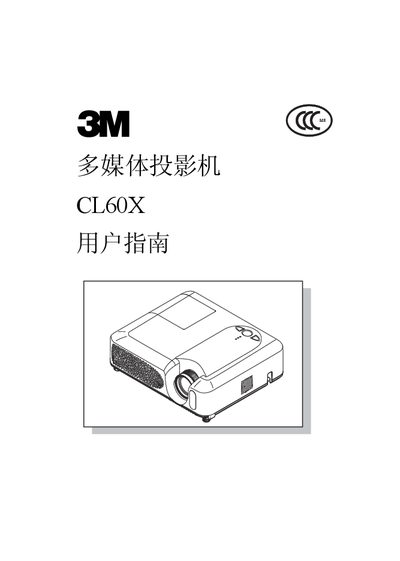
This guide covers the 3M CL60X multimedia projector, a short‑throw, high‑brightness LCD projector designed for indoor use. It includes safety warnings, installation steps, menu navigation, and maintenance procedures.
Key sections include equipment connection, menu functions (image, video, input, settings), lamp and air‑filter maintenance, troubleshooting, and technical specifications such as operating temperature, humidity, and altitude limits. This manual is written in Chinese.
| Lamp Power | 200 W UHB |
|---|---|
| Noise Mode | Low‑noise mode available |
| Operating Temperature | 16 °C – 29 °C (60 °F – 85 °F) |
| Relative Humidity | 10 % – 30 % RH |
| Maximum Altitude | 0 – 1823 m (0 – 6000 ft) |
| Maximum Continuous Use | 3 – 4 hours per session |
The projector should be used for no more than 3 to 4 hours in a single session.
The recommended operating temperature is 16 °C to 29 °C (60 °F to 85 °F).
Allow the projector to cool for at least 10 minutes before touching the lamp or opening the housing.
Clean the air filter regularly to prevent blockage and potential component damage.